The Client Your Client.

More FPS, modern features, Game tools, HUD editor, and a custom launcher.

Powerful Client Features

JaxClient brings all core features together in one polished experience: custom crosshairs, Game tools, smart HUDs, and a launcher designed for fast setup and easy switching between profiles and versions.

Everything is tuned for visibility, performance, and control, so you can launch faster, play cleaner, and keep your setup exactly how you want it.

JaxClient bündelt alle Kernfunktionen in einer durchdachten Erfahrung: individuelle Crosshairs, Game-Tools, smarte HUDs und ein Launcher für schnellen Start und einfachen Wechsel zwischen Profilen und Versionen.

Alles ist auf Sichtbarkeit, Performance und Kontrolle abgestimmt, damit du schneller startest, sauberer spielst und dein Setup exakt so hältst, wie du es willst.

Powerful Launcher Features
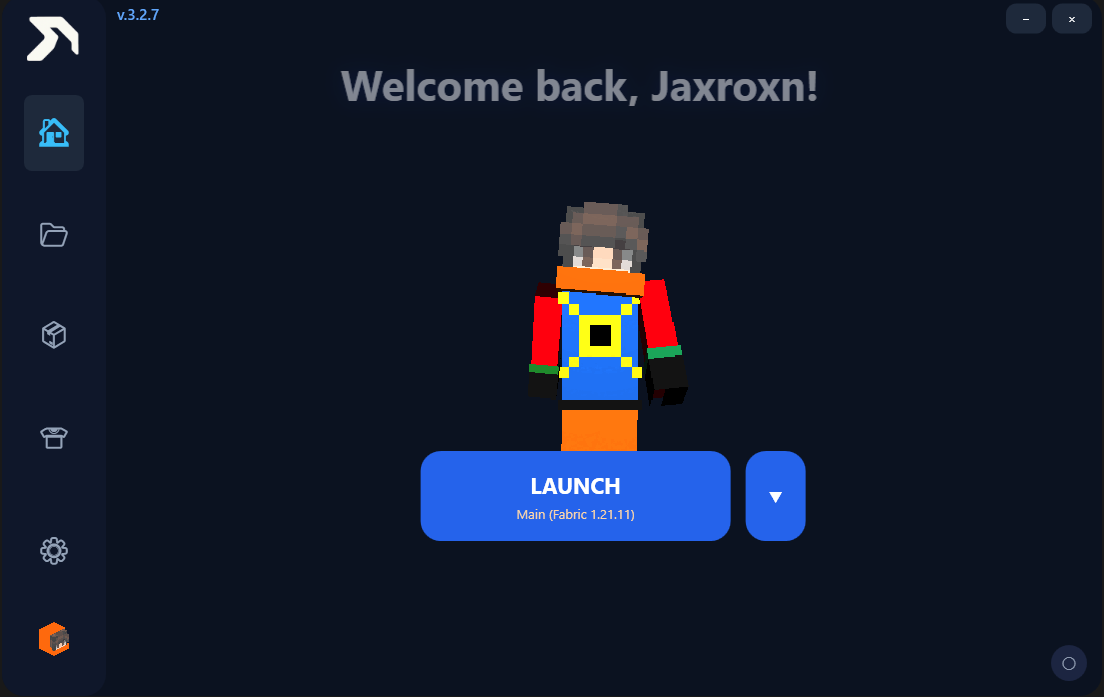
Home

Launches straight into the selected profile with a clean dashboard and quick access.
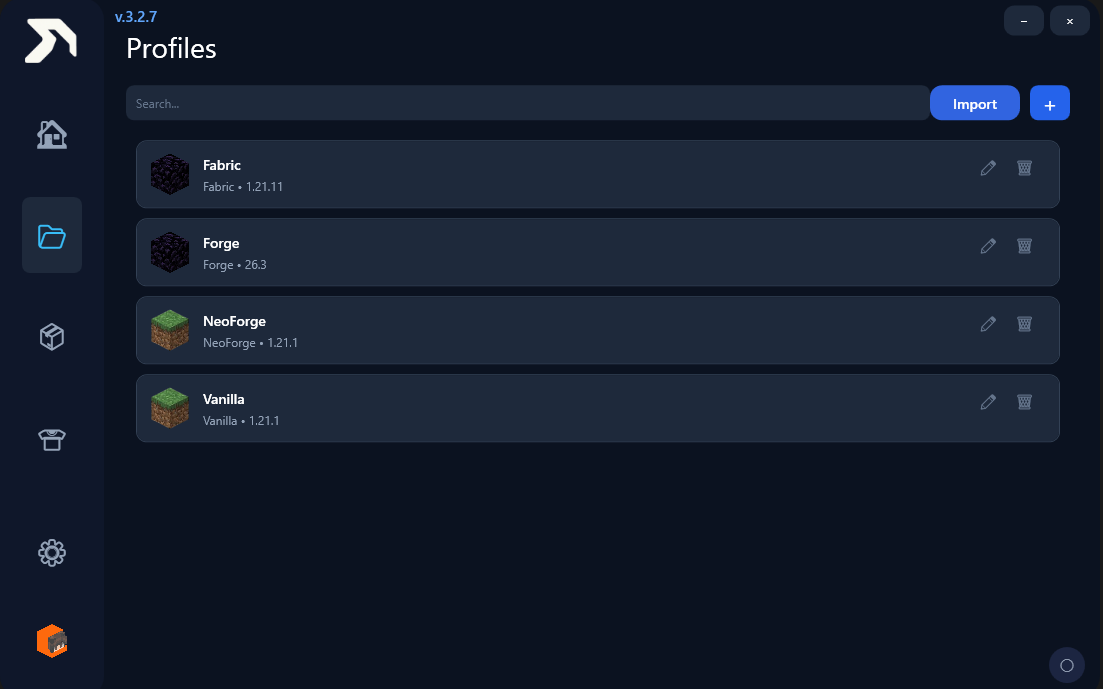
Profiles

Create and import separate Minecraft profiles for different versions and loaders.
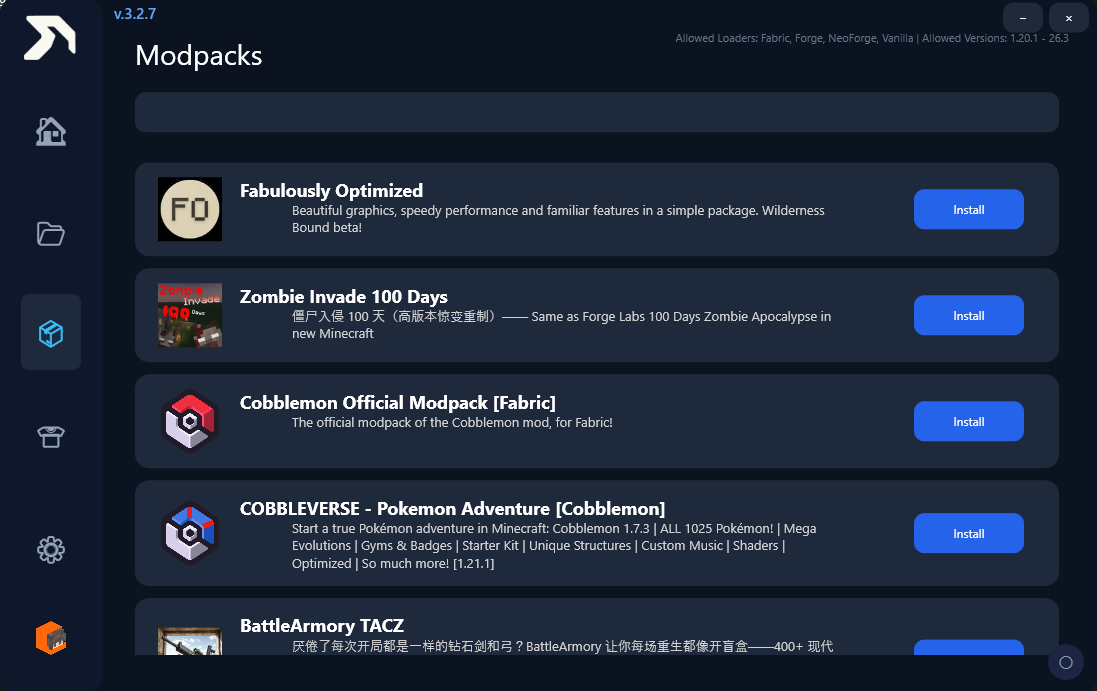
Modpacks

Browse, install, and launch curated modpacks built for every Minecraft playstyle.
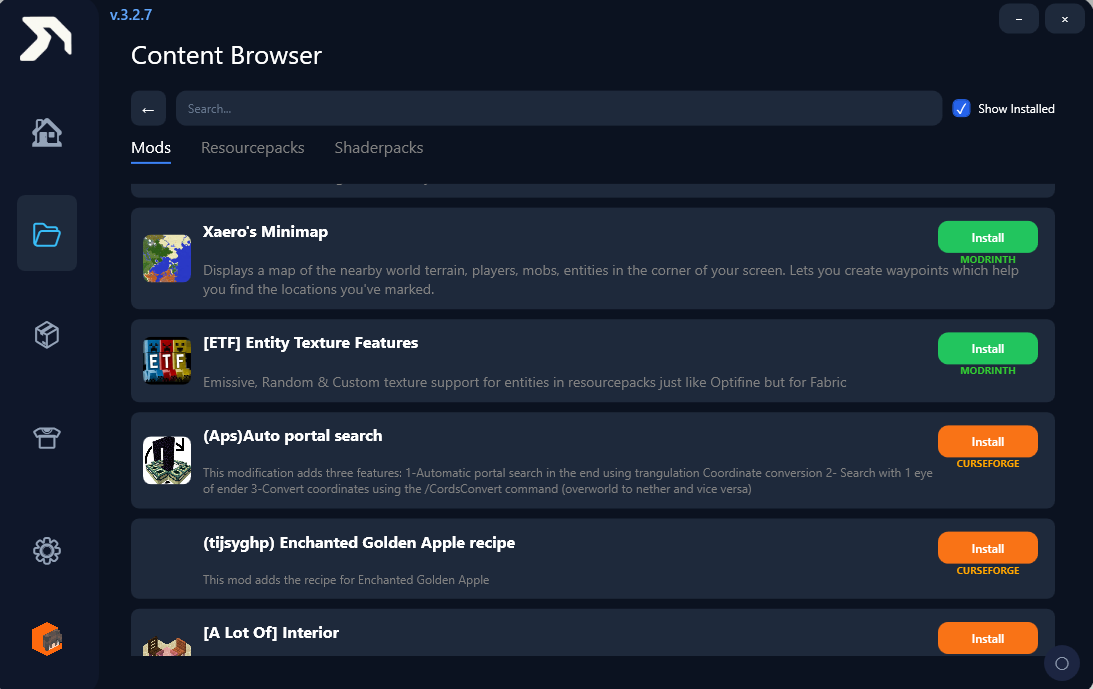
Content Browser

Discover mods, resource packs, and shader packs from one central library.
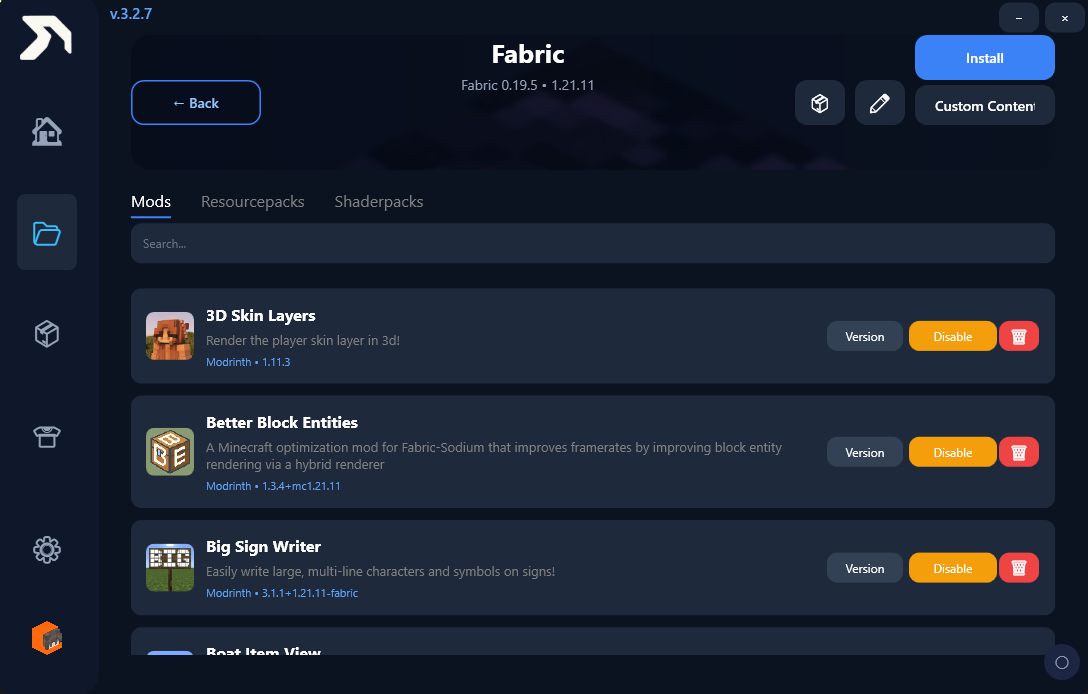
Content list

Switch between Fabric, Forge, NeoForge, and Vanilla versions in seconds.
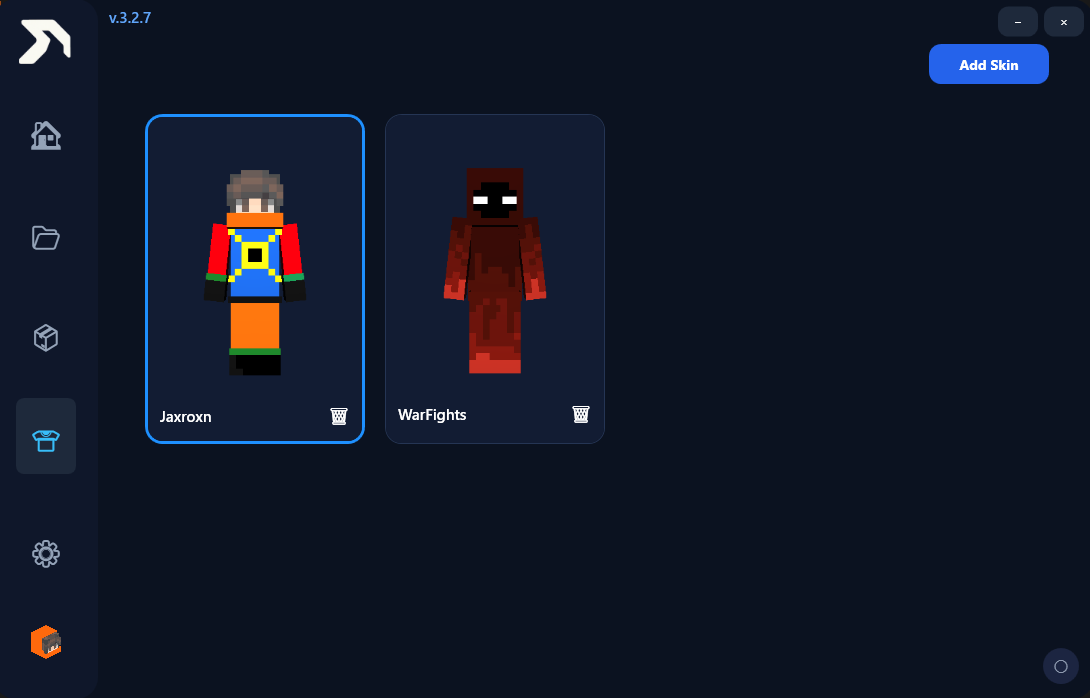
Skin Manager

Upload custom skins and personalize your in-game appearance in a few clicks.
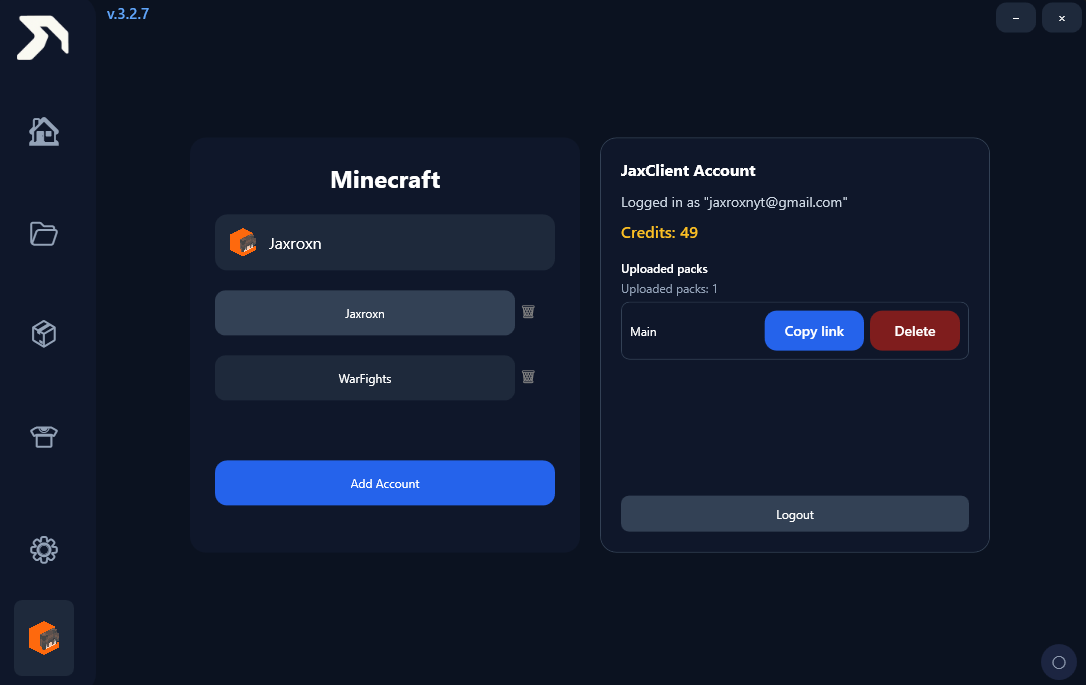
Accounts

Add, switch, and manage multiple Minecraft accounts without repeated setup.
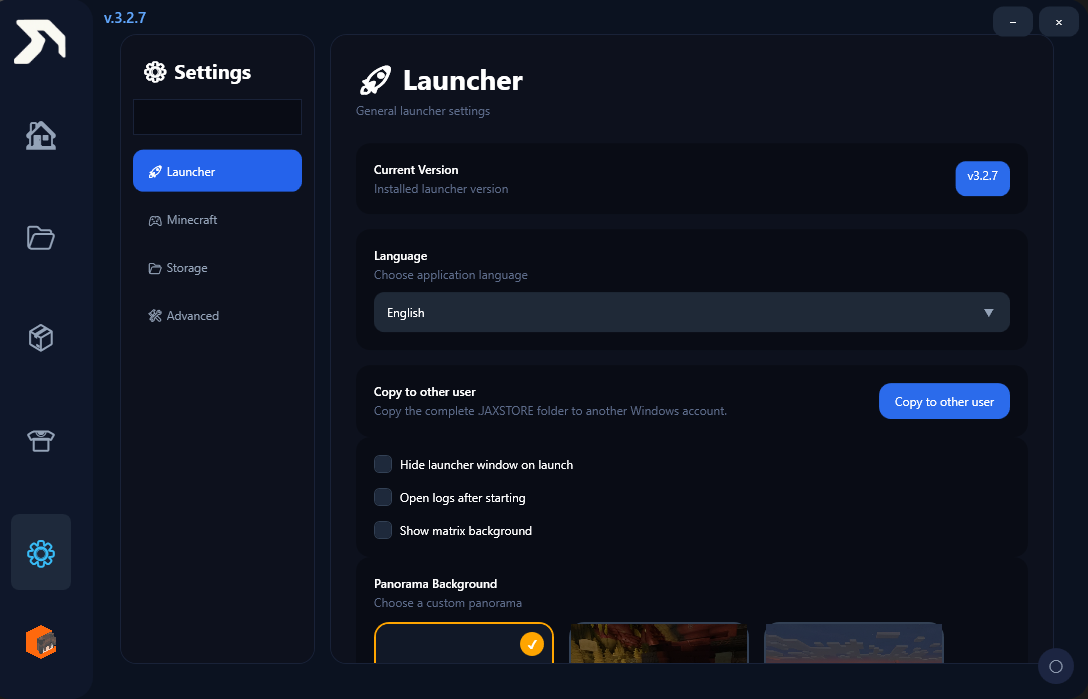
Settings

Customize launcher language, background, and startup behavior to fit your setup.
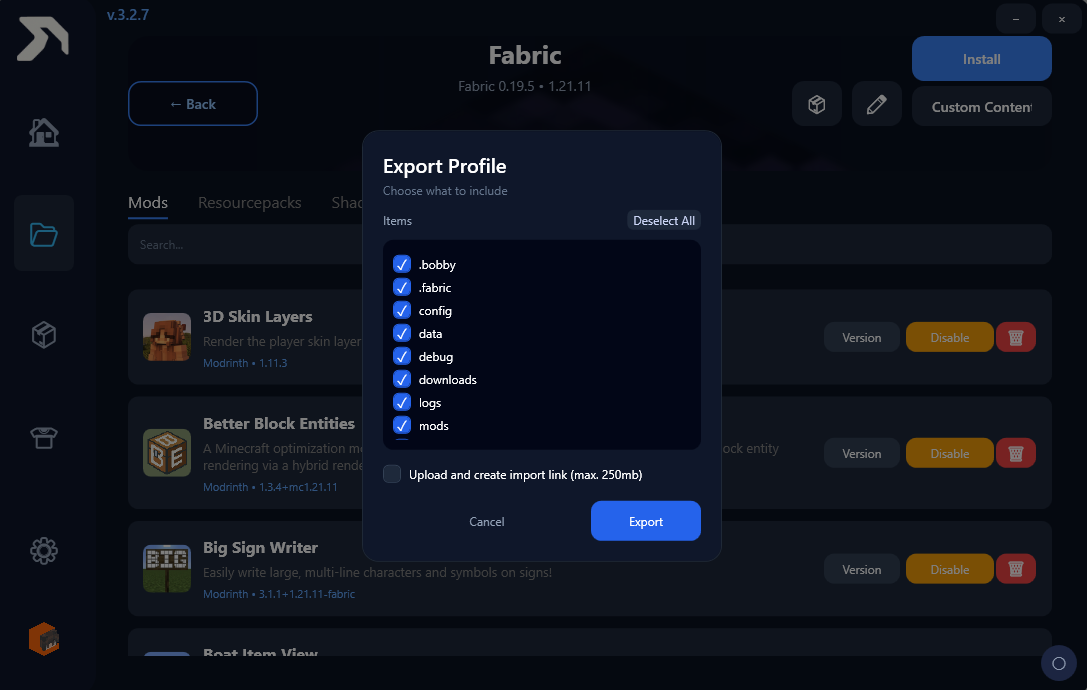
Profile Export

Safely export profile data and upload it to a cloud storage service.

Your Launcher

- Fabric, Forge, NeoForge & Vanilla
- One Click Install
- Account System
- Automatic Updates
- Modpack Support

Version Changelog

Ready for JaxClient?


Download Now
<

Wichtiger Hinweis

Da der Installer neu ist und noch keine teure Code-Signierungslizenz erworben wurde, kann Windows beim Starten eine SmartScreen-Warnung anzeigen. Das ist völlig normal! Klicke einfach auf „Weitere Informationen“ und dann auf „Trotzdem ausführen“.